
Creating Your Account
Your account gives you access to the admin panel (to configure the organization) and the Agent Hub (to chat with agents as an end user).
Entry screen
Section titled “Entry screen”The /admin/auth page shows two tabs — Sign in and Sign up — under the “Admin Panel” title:
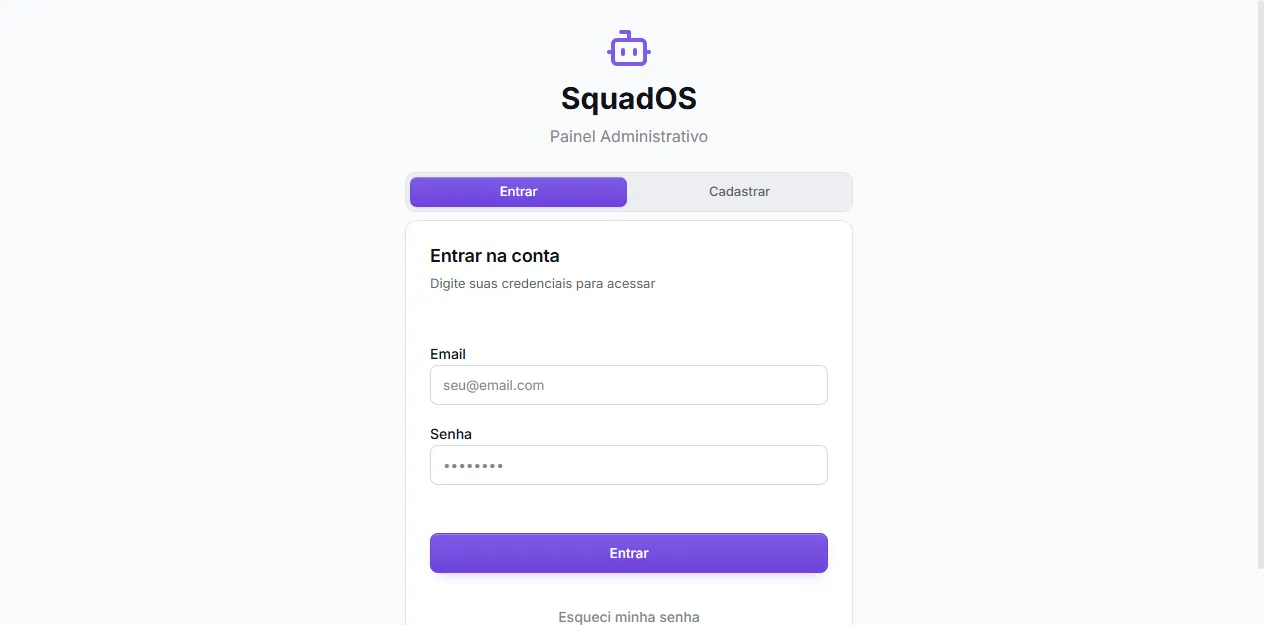
To sign in, all you need is email and password. If you forget your password, use the Forgot my password link right below the Sign in button.
Sign-up
Section titled “Sign-up”The Sign up tab asks for Name, Email, Password, and Confirm Password, plus accepting the terms:
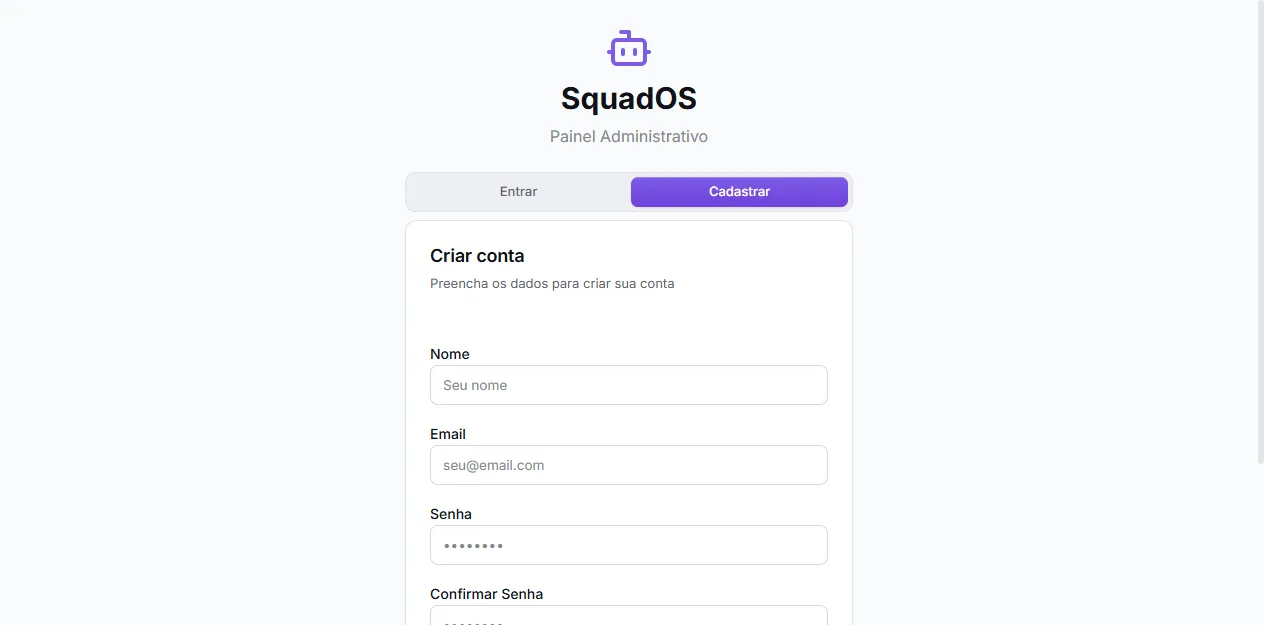
Password must be at least 6 characters.
Where you land after login
Section titled “Where you land after login”SquadOS redirects based on your role:
- Admin, Owner, Collaborator → admin panel (
/admin/dashboard) - User → Agent Hub (
/hub/agents)
If you expect admin access but ended up on the Hub, ask an admin to review your role in Users (see Users and Roles).
Switching between Admin and Hub
Section titled “Switching between Admin and Hub”Admins can reach the Hub at any time through the Agent Hub link at the bottom of the admin panel sidebar. Inside the Hub, an Admin Panel link sends you back.