
First Conversation
After creating and configuring an agent, the first conversation validates whether it’s ready for real users — before sharing the public link, installing the widget, or wiring it into an external integration.
Open the Hub
Section titled “Open the Hub”The simplest place to test is the Hub (/hub/chat), the organization’s internal chat environment. There you talk to the agent like a user would, and the responses use the model and tools you configured.
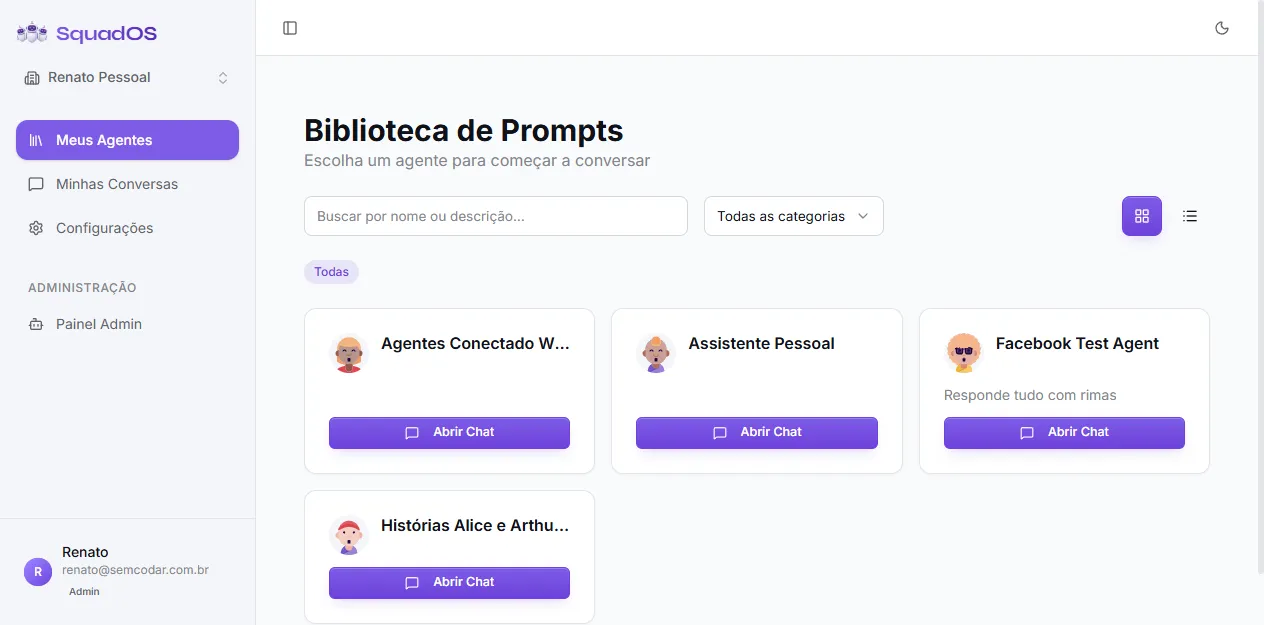
On the Hub home screen you see:
- Composer in the center for the first question.
- Agent selector right below the composer — pick which agent in the organization will answer.
- AI model selector — overrides the agent’s default model for this conversation only (handy to compare Claude vs. Gemini without editing the agent).
- “Or talk to an agent” list below the composer, with agent cards to jump straight into one of them.
Talk to the agent
Section titled “Talk to the agent”- Type a simple question and send (Enter).
- Observe the first reply: did the agent follow the prompt’s tone? Did it use a tool? Did it show knowledge of the base you connected?
- Ask follow-up questions to test context retention:
- “Can you explain better?”
- “What if the customer is on the annual plan?”
- “What are the next steps?”
- Push the limits: ask for something out of scope and see if the agent refuses or hallucinates.
What to look for in a good first conversation
Section titled “What to look for in a good first conversation”- Clear answer following the configured tone.
- Clarifying questions when data is missing, instead of guessing.
- Correct tool usage: if the agent has
Search Knowledge Base, it should consult before inventing; if it hasGenerate Image, it should use it when it makes sense. - Transparency when it doesn’t know — preferable to fabrication.
- No out-of-scope promises (“I guarantee”, “for sure” when there’s no basis).
- Proportional length — the agent shouldn’t reply with five paragraphs to a simple question.
When to go back to the editor
Section titled “When to go back to the editor”If any of these signals shows up, the agent isn’t ready:
- Generic answers, not applying context.
- Invented information (dates, values, sources that don’t exist).
- Ignores the knowledge base and improvises.
- Calls the wrong tool (or none when it should).
- Excessively long or verbose.
- Doesn’t understand simple questions inside the agent’s domain.
Go back to the agent editor (/admin/agents/:id/edit) and tweak prompt, tools, model, or knowledge base. Then open a new conversation in the Hub (not the same one, to avoid bias from old context) and try again.
Next steps
Section titled “Next steps”Once the agent passes the Hub test, hook it up to a real channel:
- Web chat — public link or widget on your site.
- WhatsApp official — Cloud API.
- Telegram — bot via BotFather.
- API/Webhook — for custom integrations.